How we compare them
We describe what each tool is generally known for and what to check. We have not tested every plan of every tool, and features, limits and prices change often, so confirm the details on each tool's own page. We also have not verified that any of them offers a ready-made Bulin 47 template.
ChatGPT
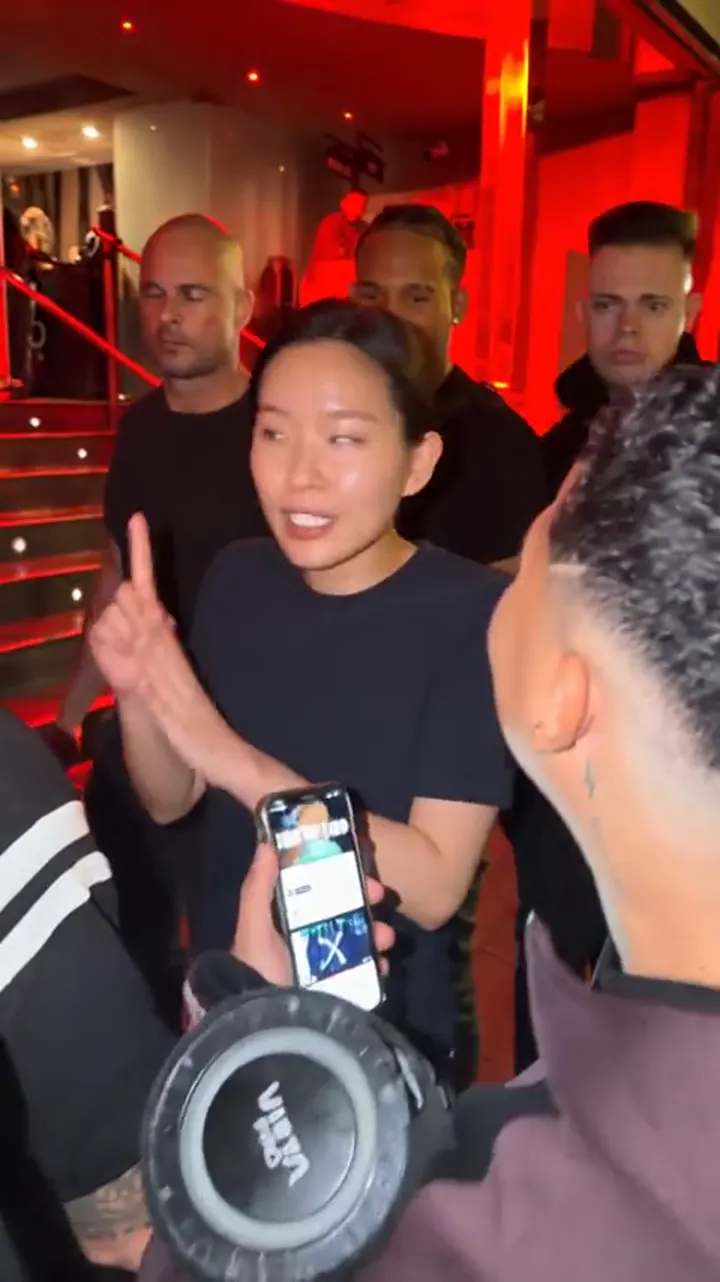
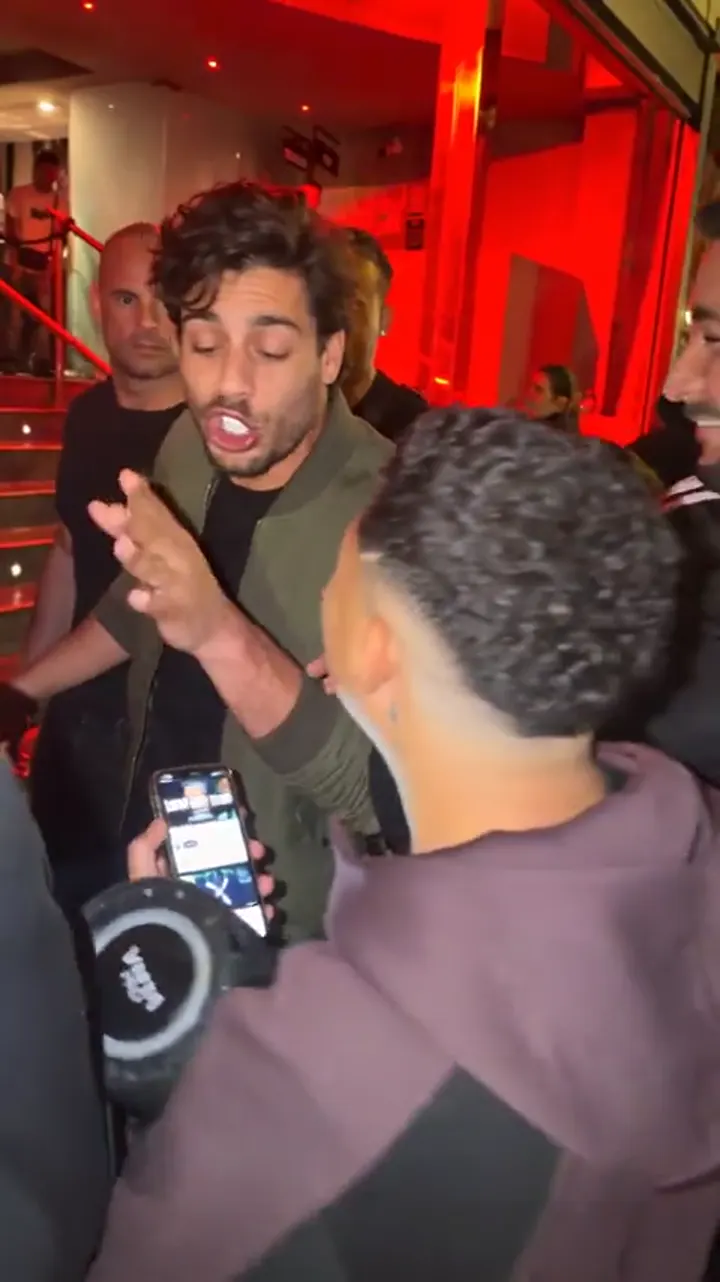
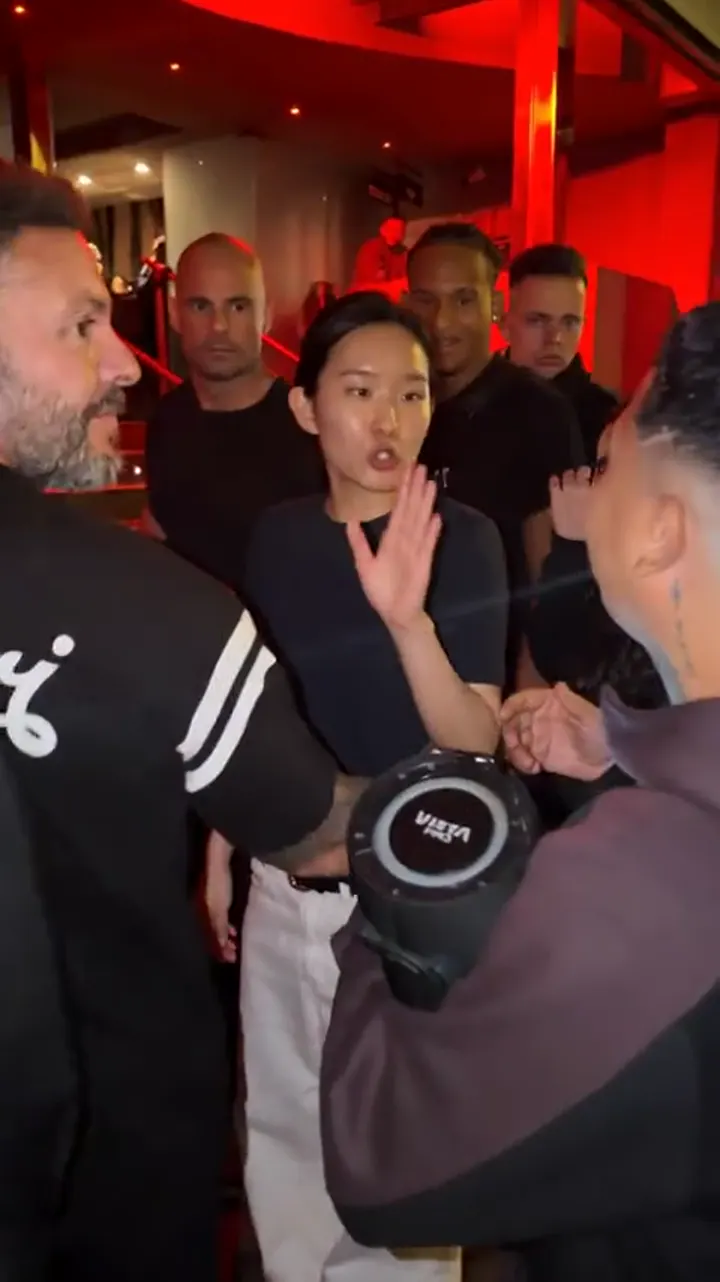
ChatGPT is OpenAI's chat assistant, built mainly for conversation, writing and images. It can help you write a description of a scene or a caption, but a text prompt will not reproduce this exact clip with its crowd, camera moves and lighting. To keep those, the original footage has to be edited rather than described.
CapCut
CapCut is a video editor from ByteDance, the company behind TikTok. It is a good fit if you want to edit footage you have, add text, trim or add sounds. For a swap you would normally bring your own footage and spend editing time, and AI features, limits and pricing depend on the app version and your plan.
Dreamina
Dreamina is ByteDance's AI creation platform for generating images and video from prompts or reference material. It suits experimenting with new generated clips. Dreamina offers Seedance 2.5, the same model this site uses. Matching one specific scene exactly is harder with a general tool, and credits, limits and available models are set by the platform.
Higgsfield
Higgsfield is an AI video and image creation platform. Like other general tools it is aimed at making many kinds of clips, so you choose settings and templates yourself. Check its current pages for what it supports, any watermark and the price per clip.
At a glance
- ChatGPT: best for writing captions and scene ideas; not a one-step way to replace a person inside a clip.
- CapCut: best for editing and finishing videos; the swap itself needs your footage and some work.
- Dreamina: best for generating new AI clips and trying ideas; an exact match of this scene is not guaranteed.
- Higgsfield: best for general AI video creation; check what it currently offers for this kind of edit.
- Dedicated generator: best if you only want this scene with you in the lead, with the clip already prepared.
A dedicated generator (this site)
Here the clip is already prepared. You upload one photo, the AI replaces only the lead performer, and you get a 9:16 MP4. The result keeps the original sound, and a silent copy is included if you want to add a trending sound yourself.
Which should you pick?
- Want this exact scene in about 10 minutes with no editing: use the generator above.
- Want full control and have your own footage: edit it in CapCut or a similar editor.
- Want to experiment with new AI clips: try a general platform such as Dreamina or Higgsfield, and read its limits first.
- Just curious: free options usually add watermarks or limits.
Quick comparison
- Chat assistants: great for text and images, not designed to replace a person inside an existing clip
- Video editors and AI apps: flexible, but you usually supply the footage and spend time editing
- A dedicated generator: one photo in, a ready 9:16 clip out, with the scene already prepared
What to look for in any tool
- Watermarks and resolution limits
- Whether audio is included and whether you may use it
- Clear pricing and a refund policy for failed runs
- How your photo is stored and when it is deleted
A common misconception
Typing a prompt that describes the scene will not reproduce this exact clip. To keep the same crowd, camera moves and lighting, the tool has to edit the original video, not generate a new one from text.
Privacy checklist
- Check how long photos are kept — we delete uploads after 24 hours
- Check whether photos are used to train models
- Only upload photos you have the right to use
Quick answers
Can ChatGPT edit a video for me? Chat assistants are mainly built for text and still images. Replacing one person inside an existing video clip is not a simple one-step task for them.
Does CapCut have a template for it? Some apps offer templates or face-swap features, and availability changes often. Check the app for the latest options and pricing.
What is the quickest option? A dedicated generator with the clip already prepared. You upload one photo and get a ready-to-post vertical video.
Will the result have sound? Yes. The MP4 has the original sound, and a silent copy is included if you want to add a trending sound on the platform where you post.
Unofficial fan tool. Not affiliated with Bulin 47, Kevin Wai, their label or TikTok. All trademarks belong to their owners.